

Nothing Hide iCloud OPEN MENU 26.2+ ios Supported
✅✅NOTHING HIDDEN TOOL — NEW UPDATE RELEASED ✅✅
📌 Version: 1.0.1
🔗 Download: https://mega.nz/file/KnZWlYpA#T15PsFlm8H8mNuP8Dix3hb-eU32J5db87ZcxKEXNxGw
🆕 Change Log
Fixed SOME BUG
Fixed Support Ipad
Fixed No need install itunes
Step Remove Account Method 1:
1. Disable wifi - Disable Passcode On your device.
2. Open the app and go to the settings menu.
3. use "Remove Account Method 1".
4. Reboot Device.
5. Go To Setting -> Apple Id logout.
Step Remove Account Method 2:
1. Disable wifi.
2. use "Remove Account Method 2".
3. Reboot Device.
4. Go To Setting -> Disable Passcode -> reset all setting.
Step Remove Account & Screen Time :
1. Disable wifi.
2. use "Remove Account & Screen Time".
3. Reboot Device.
4. Setup.
5. Go To Setting -> Disable Passcode -> reset all setting.
Step Screen Time :
1. Disable wifi.
2. use "Screen Time".
3. Reboot Device.
4. Setup.
-

INFINIX - TECNO - ITEL ID Removal - Official Service - Instant SPECIAL Service ✅️
2.6 USD Instant -
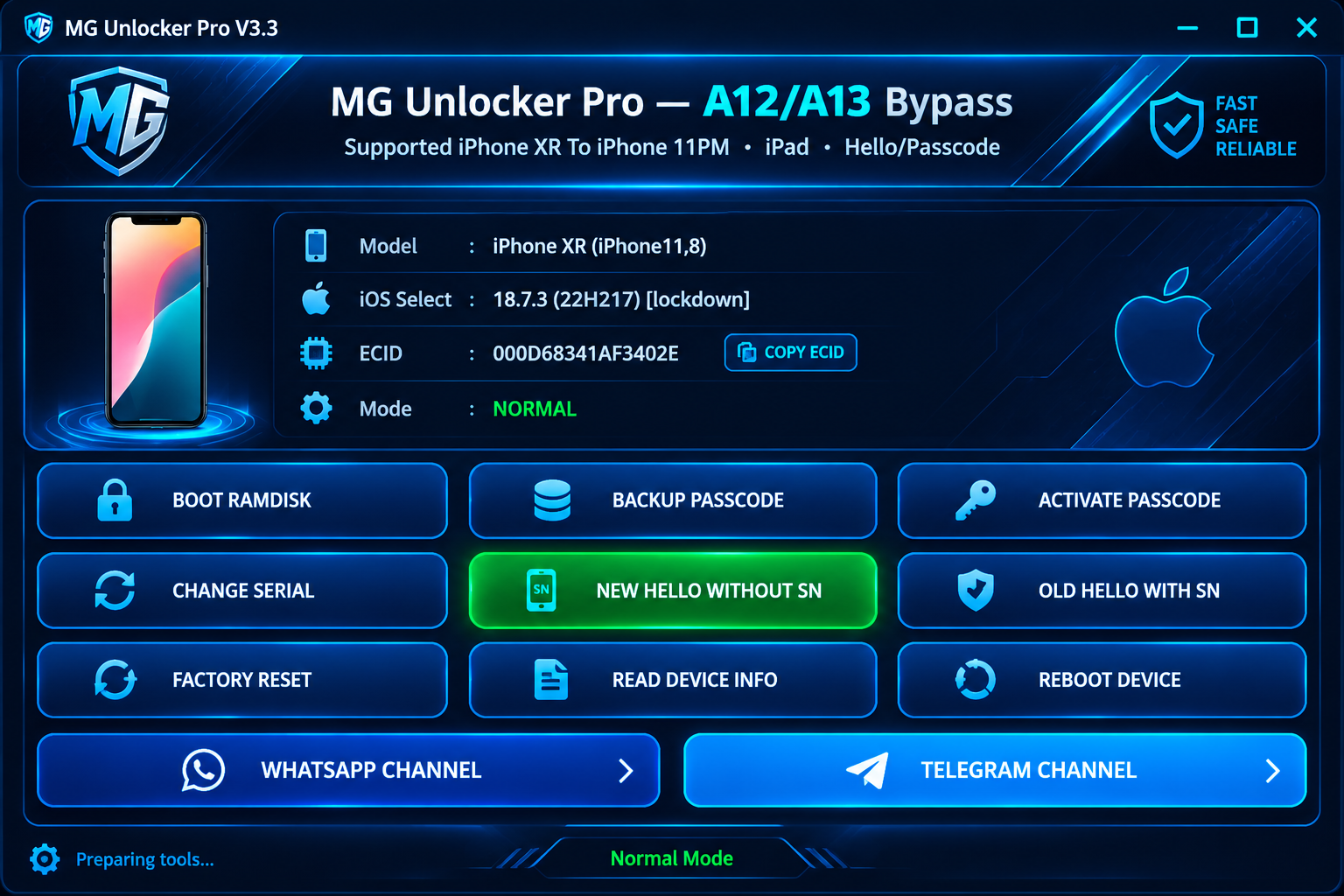
MG Pro A12-A13 Hello Bypass without Network - [ iOS 16 - 27+ Support ✔️
2 USD Miniutes -
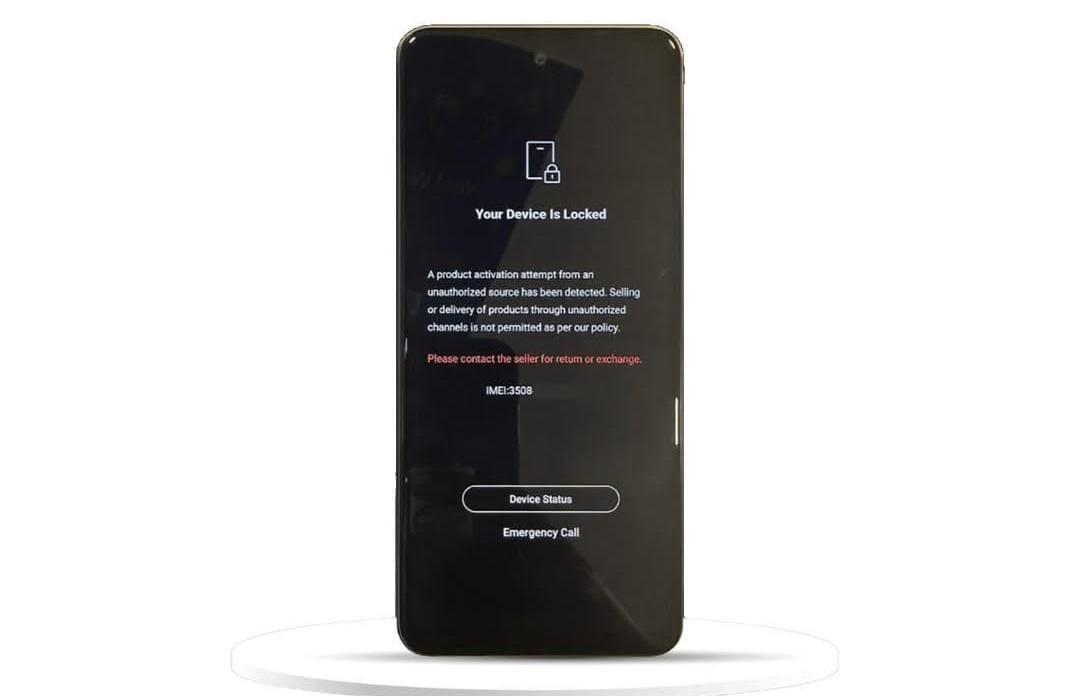
TECNO INFINIX MDM ( Slow Service ) 1 To 7 Days ✔️
13.5 USD 1-7days -
![A13 Nothing Tool Bypass Hello [ IP 11 11 Pro 11 Pro Max SE2 9th ] (Official Distributor)](/media/1002350413.jpg)
A13 Nothing Tool Bypass Hello [ IP 11 11 Pro 11 Pro Max SE2 9th ] (Official Distributor)
2.5 USD Instant